
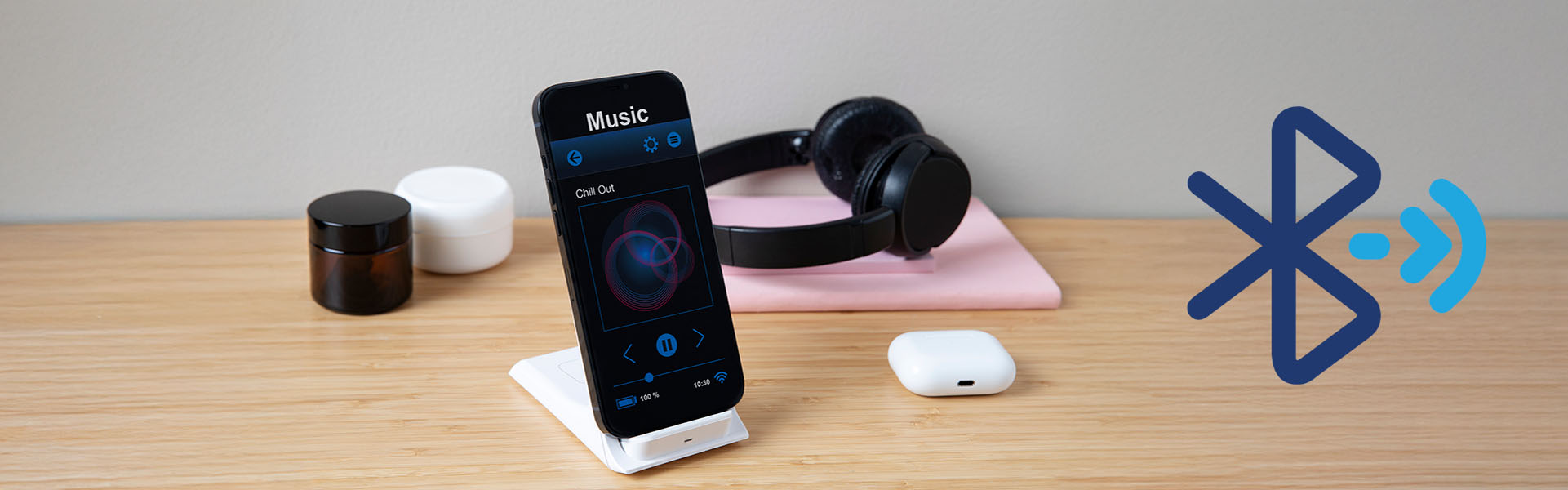

Ever jamming to your favorite tunes or navigating with directions, only for your Bluetooth audio to suddenly cut out? It’s incredibly frustrating, and you’re not alone!
Bluetooth is super convenient but sensitive. When its tiny, invisible radio signal gets interrupted, your audio can stutter or disappear. The main culprit? Interference!
The Invisible Battle: What Causes Bluetooth Interference?
Bluetooth operates on a crowded frequency (2.4 GHz!), shared by many other things:
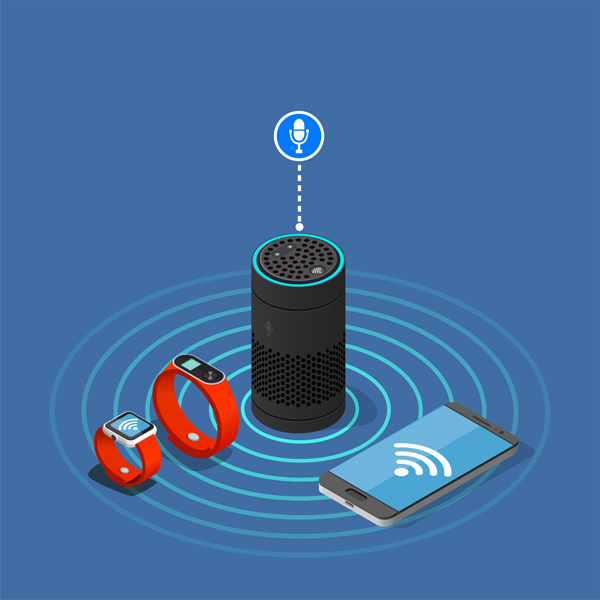
- Other Wireless Devices: Wi-Fi routers, cordless phones, microwaves, and smart home gadgets all compete on the same band.
- Physical Obstacles: Walls, furniture, and even your own body can block the signal.
- Distance: Bluetooth is for close range. The further apart your devices, the weaker the signal.
- Low Battery: A struggling battery might not have enough power for a strong, consistent connection.
- Software Glitches: Sometimes, a quick hiccup on your phone or device can mess things up.
Here are 5 Simple Ways to Fix Your Bluetooth Dropouts:
Ready to get your consistent audio back? Try these easy troubleshooting steps!
1. Get Closer & Clear the Path: This is often the easiest fix! Bring your devices closer together and remove any obstacles (like walls or thick objects) between them.
2. Turn It Off, Then On Again (The Classic Reboot!) : It sounds cliché, but it works! Turn your phone’s Bluetooth off/on, or restart your entire phone. Do the same for your headphones, speaker, or car system.
3. Charge Everything Up! : Low power means a weak signal. Ensure your Bluetooth headphones or speaker are fully charged, and check your phone’s battery level.
4. Disconnect Other Devices (Reduce the Crowd!) : Too many connections can confuse your device. Turn off Bluetooth on any nearby devices you’re not actively using. If things are really bad, try temporarily turning off Wi-Fi on your phone to reduce interference.
5. Reset Your Bluetooth Connection (Give it a Fresh Start!) : Sometimes, your device just needs to “forget” a connection and learn it again.
- On your phone: Go to Bluetooth settings, find the troublesome device, and select “Forget This Device” or “Unpair.”
- Then, put your Bluetooth accessory into pairing mode (check its manual).
- Finally, re-pair your devices as if it were the first time.

Bluetooth can be a bit finicky, but with these simple tips, you should be able to enjoy your wireless audio without those annoying interruptions. Give them a try and let us know which one worked for you in the comments below! Happy listening!