

Think of all the important things you do online: banking, shopping, emailing friends and family, sharing photos, connecting on social media. Your digital life is packed with valuable information and memories. But how well is it protected?
You probably use a password, right? That’s a good start, but in today’s world, passwords alone aren’t enough. Hackers are constantly getting smarter, and a strong password can sometimes be guessed or stolen.
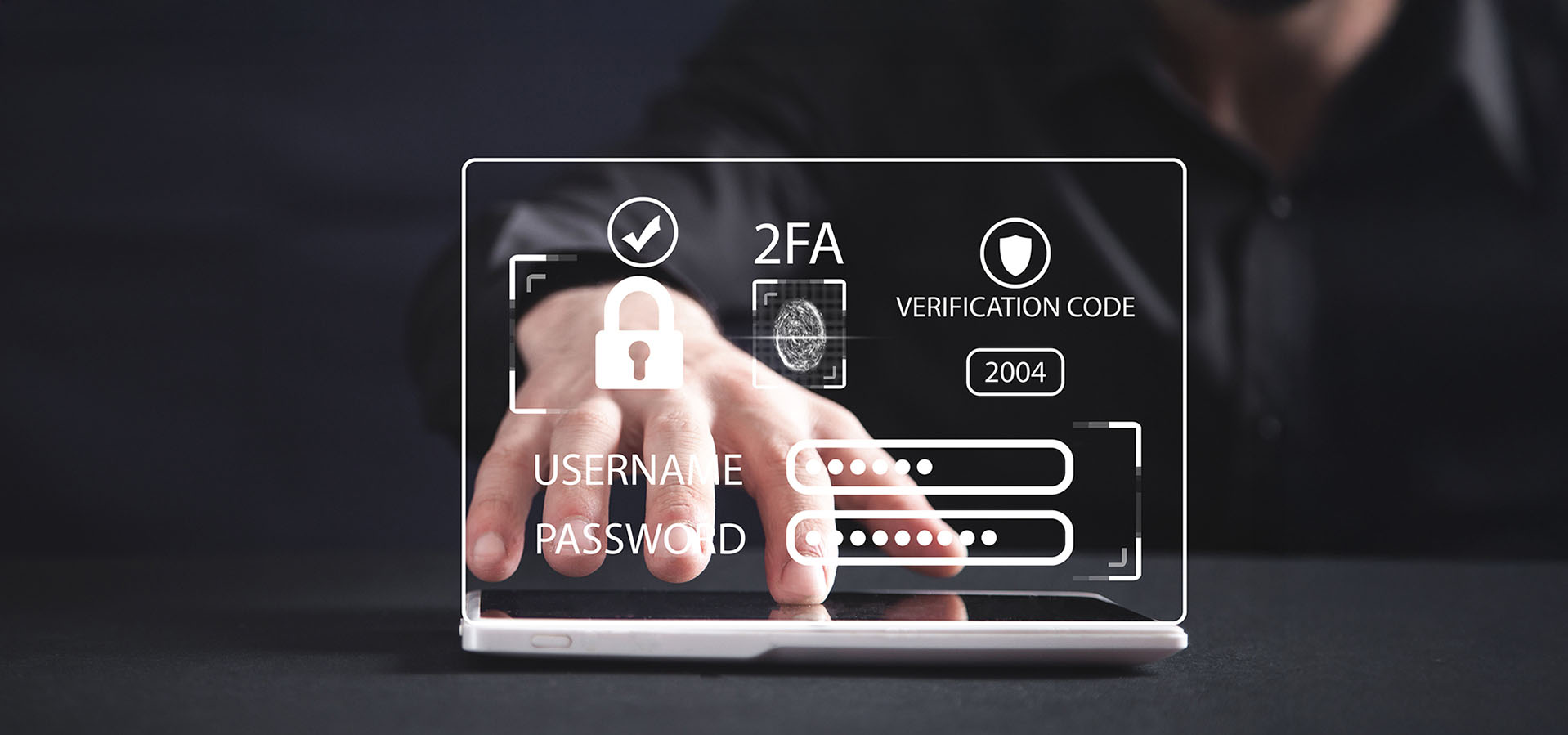
This is where Two-Factor Authentication (2FA) comes in – it’s like adding a super strong deadbolt to your digital door!
What is Two-Factor Authentication (2FA)?
Imagine a normal lock on your door. That’s your password. Now imagine adding a second, different kind of lock, like a keypad that needs a special code only you know. That’s 2FA!
Instead of just one step (your password) to log in, 2FA requires two different kinds of proof that you are who you say you are.
These two “factors” usually involve:
- Something you know: Your password.
- Something you have: This is usually a code sent to your phone, generated by an app, or even a physical key.
How Does 2FA Work (Step-by-Step Example)?
Let’s say you’re logging into your online banking with 2FA enabled:
- You enter your password. (Something you know)
- The bank’s website then says, “Okay, now we need a second confirmation.”
- It sends a unique, temporary code to your phone via text message, or an app on your phone generates a code. (Something you have)
- You enter that code into the website.
- Access Granted! Only after both steps are completed successfully do you get in.
Even if a hacker somehow steals your password, they can’t get into your account because they don’t have your phone to get that second code. It’s that simple, and that powerful!
Why You MUST Enable 2FA on EVERYTHING!
This isn’t just a “nice-to-have” feature; it’s essential for your digital safety.
- Massive Security Boost: It dramatically reduces the chance of unauthorized access to your accounts. Even if your password is stolen in a data breach, your accounts stay safe.
- Protects Your Money: For banking, shopping, and investment accounts, 2FA is non-negotiable. It’s your best defense against financial fraud.
- Safeguards Your Identity: Your email, social media, and other personal accounts often hold information that could be used to steal your identity. 2FA protects these crucial gateways.
- It’s Easy to Use: Once set up, it often takes just a few extra seconds to log in, a tiny price to pay for huge peace of mind. Many services will even remember your device for a month or two, so you don’t always need the second code.
How to Enable 2FA: Your Quick Guide
Enabling 2FA is usually straightforward! Here’s the general process:
- Go to the service’s settings: Log into the online service (e.g., Google, Facebook, your bank, Amazon).
- Look for Security or Privacy settings: Often labeled “Security,” “Login & Security,” or “Account Settings.”
- Find “Two-Factor Authentication,” “Two-Step Verification,” or “MFA” (Multi-Factor Authentication): This option might be a toggle or a setup wizard.
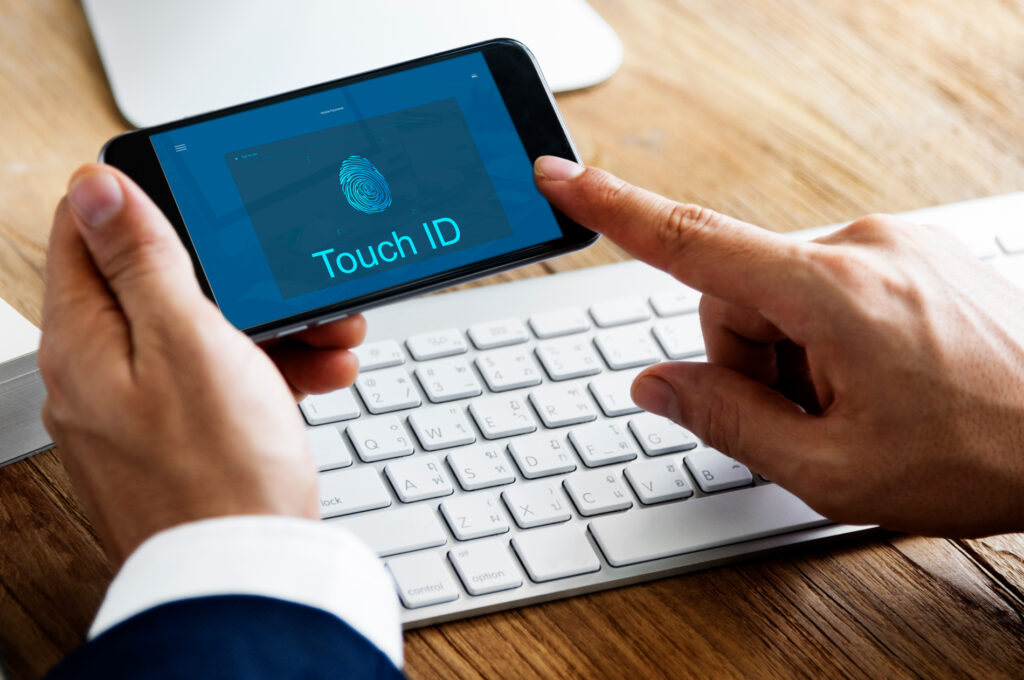
- Follow the instructions: You’ll usually be asked to confirm your password, then choose your second factor (text message to your phone number is common, or an authenticator app like Google Authenticator or Authy).
- Save Backup Codes: Many services will give you backup codes in case you lose your phone. SAVE THESE IN A SAFE, OFFLINE PLACE!
- Confirm and activate!
Make it a goal to enable 2FA on every single service that offers it. Start with your most important accounts: email, banking, social media, and shopping sites.
Don’t wait until it’s too late. Add that extra layer of security and give yourself the ultimate peace of mind online!