
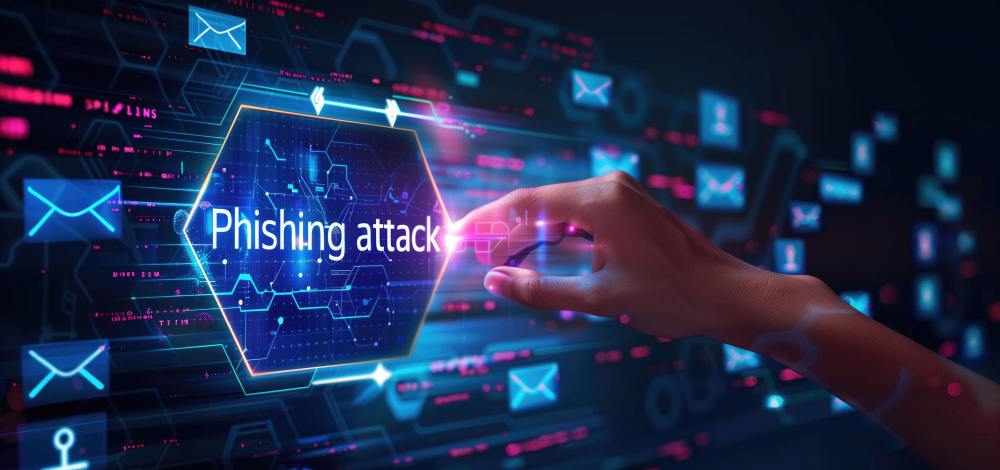

You lock your doors, you shred sensitive documents, and you certainly wouldn’t hand your wallet to a stranger on the street. But what about online? There’s a new kind of thief lurking in your inbox and text messages, and they’re incredibly good at pretending to be someone they’re not. Welcome to the world of phishing scams.
Phishing is one of the most common and effective ways cybercriminals try to steal your personal information, money, or even take over your accounts. They “fish” for your data by tricking you into believing a fake message is legitimate.
What is Phishing? (And Why “Phishing”?)
Think of it like this: A real fisherman uses bait to catch fish. A phisher uses convincing fake messages (the bait) to “catch” your sensitive information, like passwords, bank details, or credit card numbers. The “ph” comes from early hackers who used “phreaking” to denote phone system exploits.
The goal? To scare you or tempt you into clicking a link, opening an attachment, or replying with personal details.
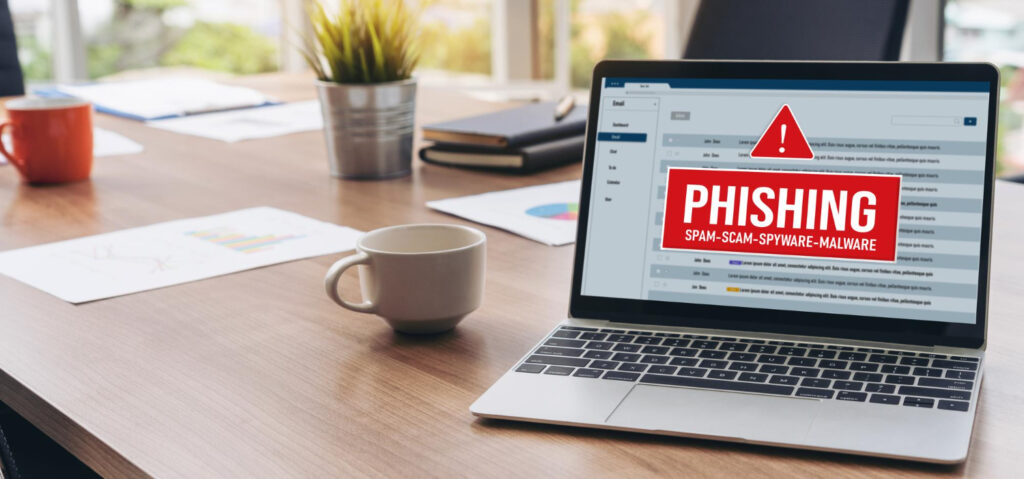
Modern Phishing: Relatable Examples
Today’s phishing scams are sophisticated and often play on our everyday concerns. Here are some common examples you might encounter:
- The “Package Delivery” Scam: You get a text or email saying there’s an issue with a package delivery (e.g., “delivery address needs confirmation,” “shipping fee due”). It asks you to click a link to update details or track your package. Warning sign: You didn’t order anything, or the link looks suspicious.
- The “Bank Account Alert” Email: An email, seemingly from your bank, warns of suspicious activity on your account, a locked account, or a request to verify your details. It urges you to click a link to log in immediately. Warning sign: Banks rarely ask you to log in directly from an email. Always go to their official website yourself.
- The “Account Suspension” Notice: An email or text from a service you use (like Netflix, Amazon, Apple, or a social media site) claims your account will be suspended if you don’t “verify” your information by clicking a link. Warning sign: Urgent, threatening language designed to make you panic without thinking.
- The “Invoice/Payment Due” Email: An official-looking email arrives with an invoice attached or a request for payment for a service you don’t recognize or didn’t use. Warning sign: Unexpected bills or strange attachments.
- The “Government/Tax Refund” Message: A message promising a tax refund or demanding immediate payment for a government fee, often with a link to claim your money or resolve an issue. Warning sign: Government agencies typically don’t contact you this way for urgent matters.
How to Spot a Phishing Scam: Your Defense Toolkit
While these scams are tricky, there are common clues you can look for:
- Check the Sender’s Email Address/Phone Number: Does it look legitimate? Often, the email address will be slightly off (e.g., amaz0n.com instead of amazon.com) or from a generic domain. For texts, unknown numbers or international codes are red flags.
- Suspicious Links (Hover, Don’t Click!): Before clicking any link, hover your mouse over it (on a computer) or long-press it (on a phone/tablet) to see the actual web address. Does it match where it claims to go? If it’s a jumble of letters or a strange domain, it’s likely fake.
- Grammar and Spelling Errors: While not always present, many phishing attempts contain noticeable typos, poor grammar, or awkward phrasing. Legitimate companies usually proofread their communications.
- Urgent or Threatening Language: Scammers love to create a sense of panic or urgency (“Act now!”, “Your account will be suspended!”). They want you to react quickly without thinking.
- Requests for Personal Information: Be very wary of any message that asks for your password, social security number, full credit card details, or other highly sensitive information. Legitimate organizations rarely ask for this via email or text.
- Generic Greetings: If a message that should be personal starts with “Dear Customer” instead of your name, that’s a red flag.
The Golden Rule: If in Doubt, Go Direct!
Never click on links or open attachments in suspicious messages. If you receive an email or text that looks like it’s from your bank, Amazon, or any other service, and you’re unsure:
- Do NOT use any links provided in the message.
- Instead, manually type the official website address into your browser.
- Log in directly to your account there to check for any alerts or messages.
- Call the official customer service number (found on their official website, not in the suspicious message) to verify.
By learning to spot the signs and following these simple rules, you can become a much harder target for the new cyber-thieves and keep your digital life safe.